Describe your site. From a one-pager to a platform.
You can build one site for free. No card needed. Prices
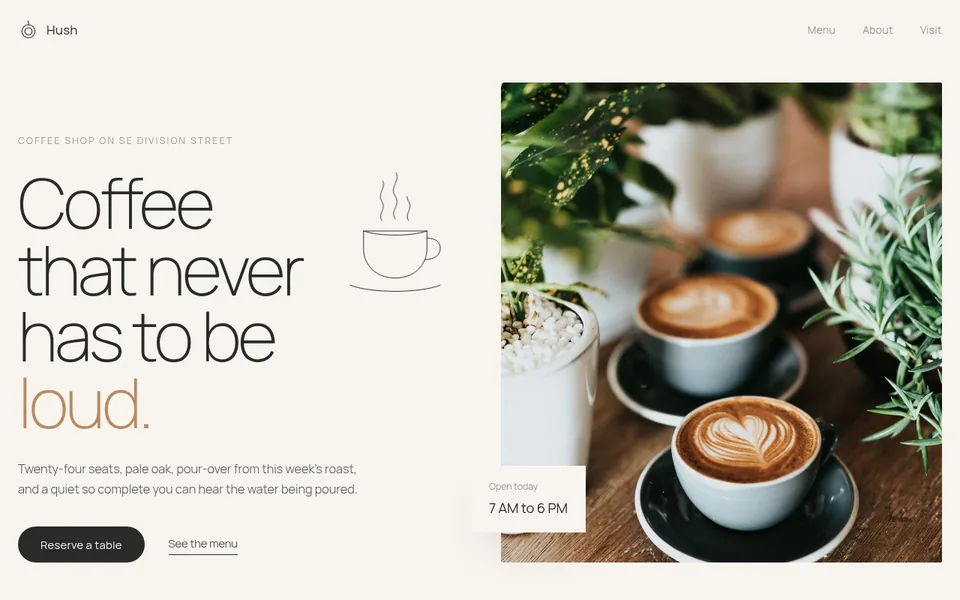
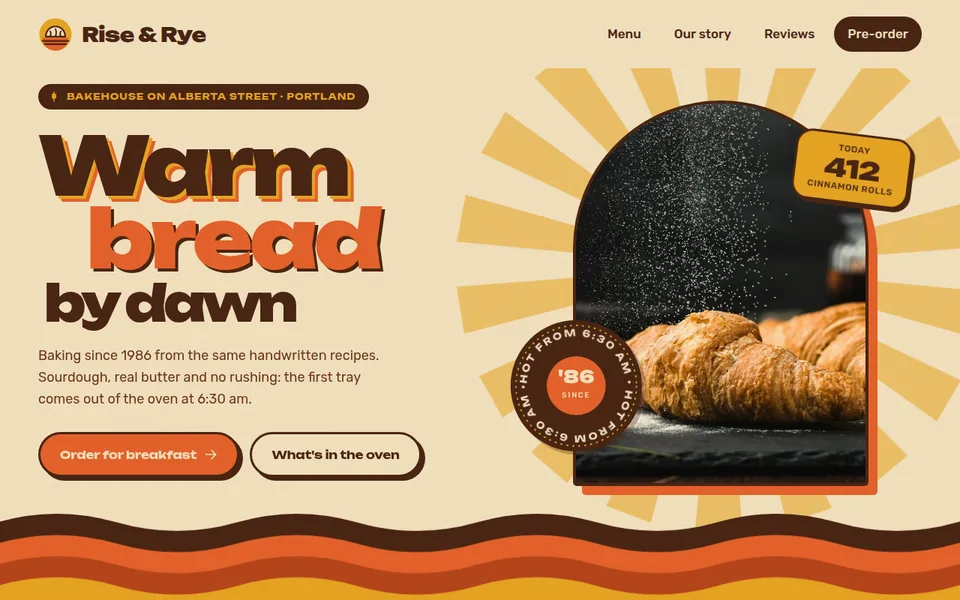
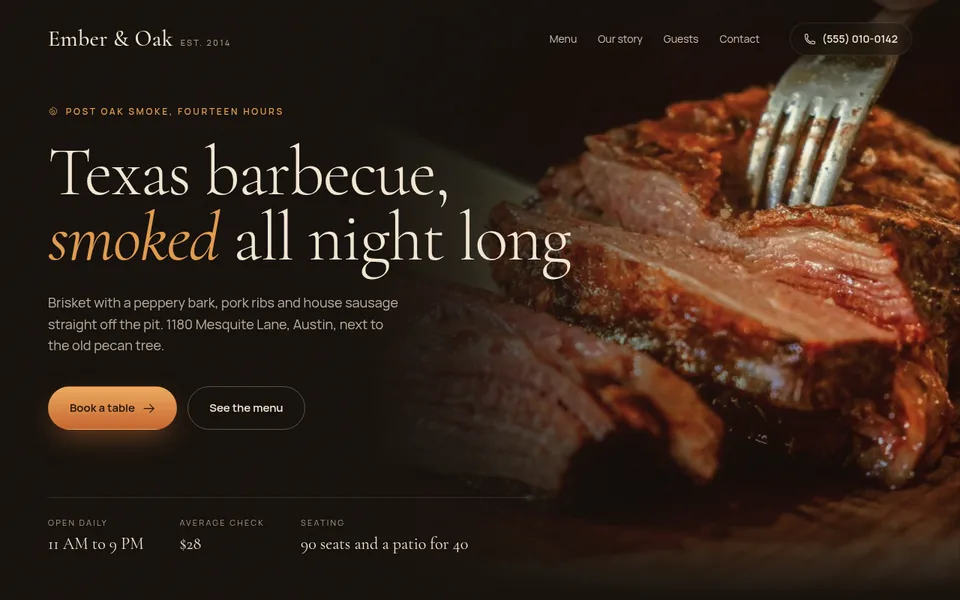
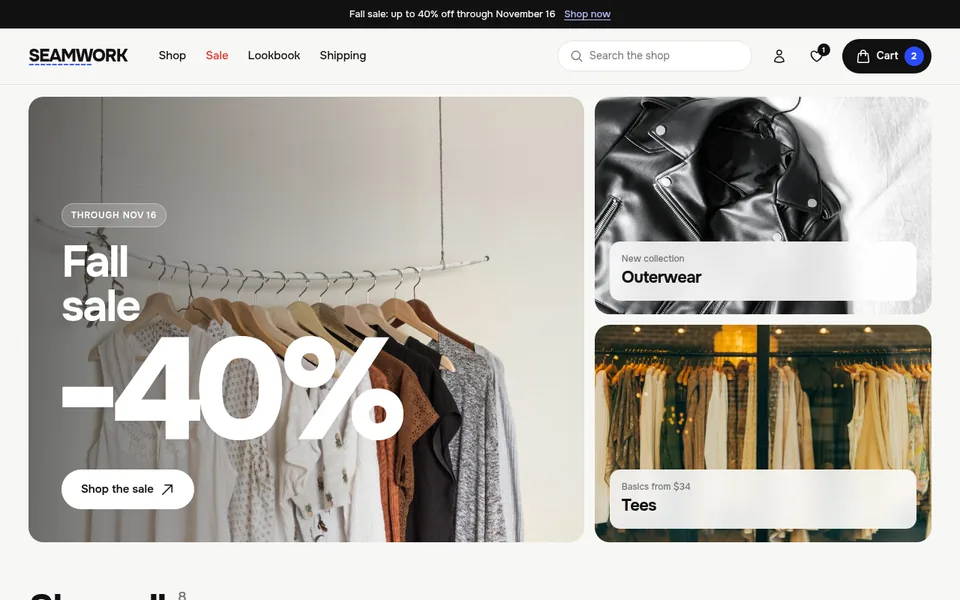
Pick a style
Swipe sideways, 16 styles in all

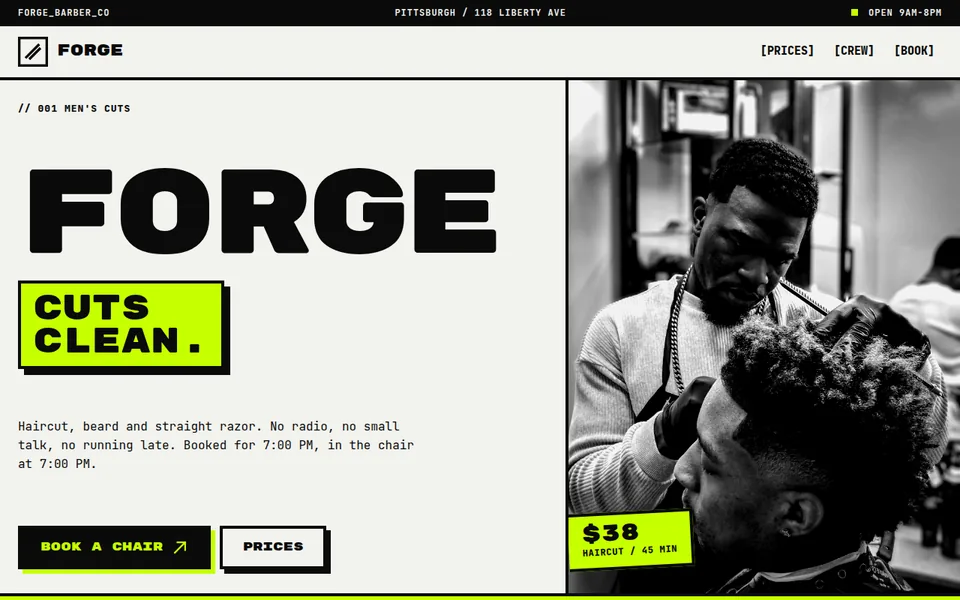
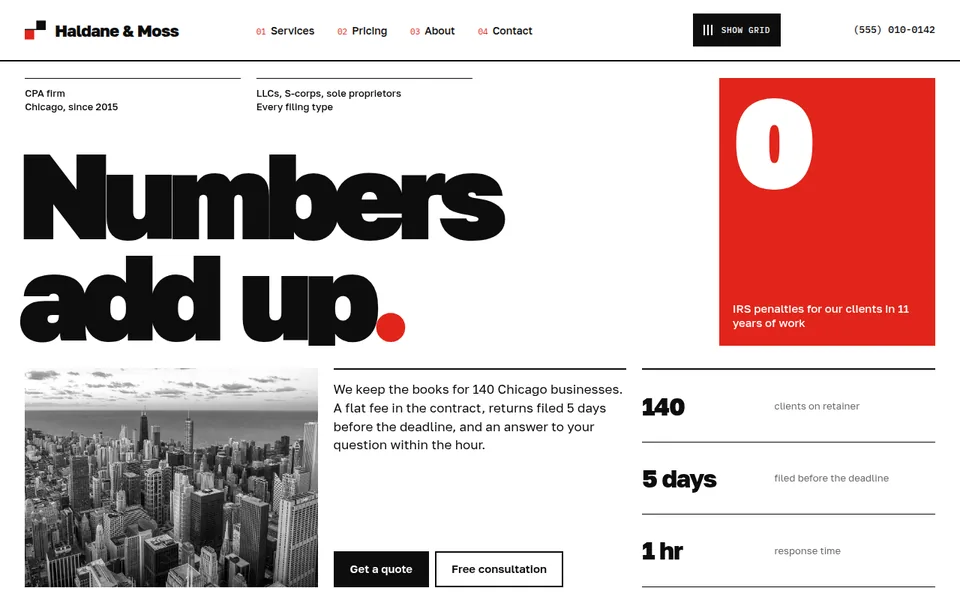
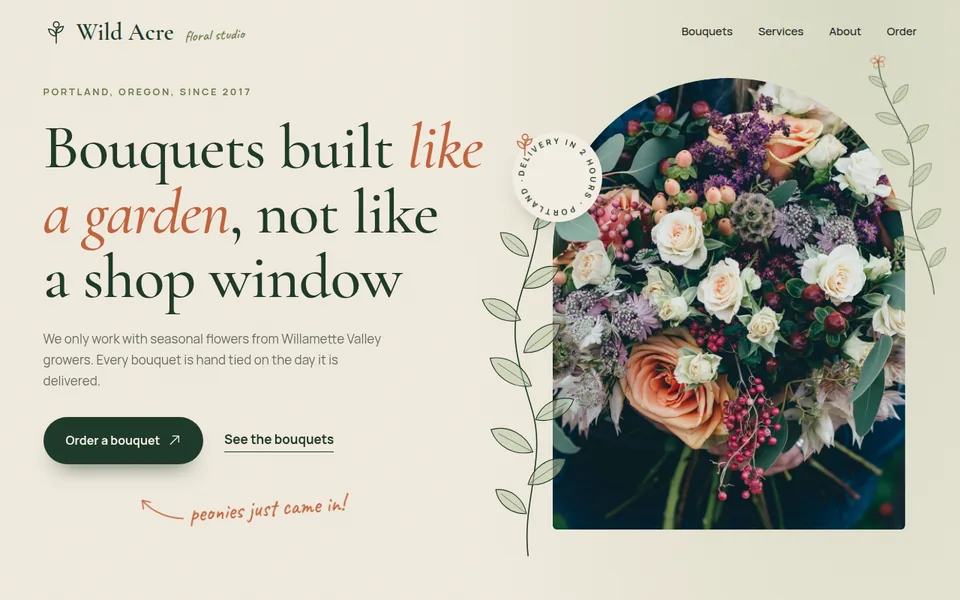
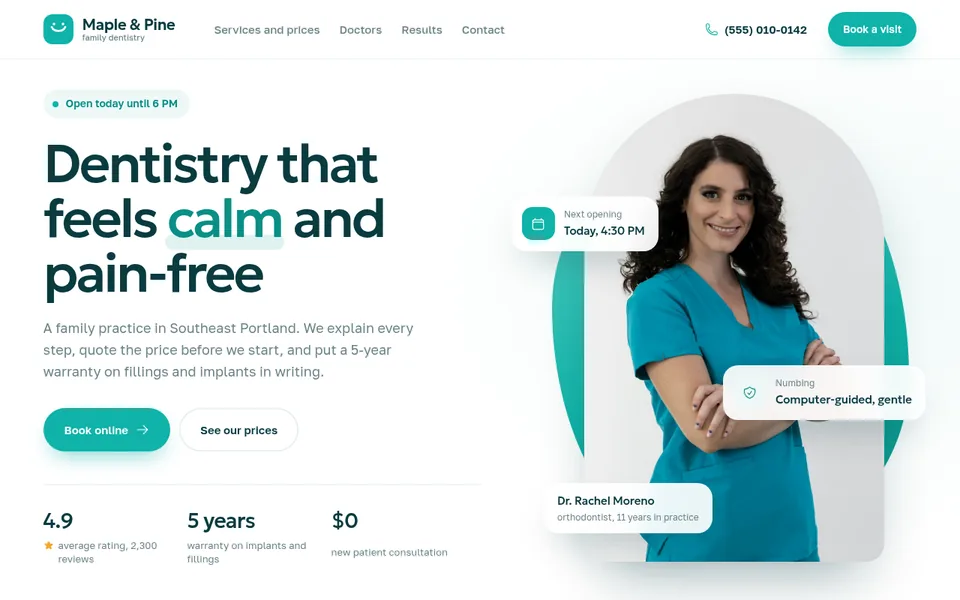
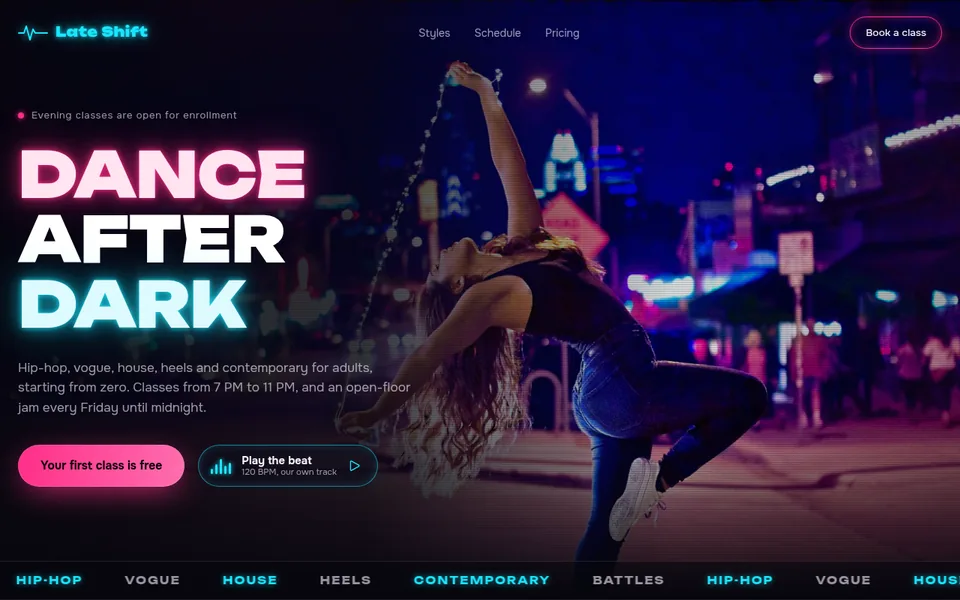
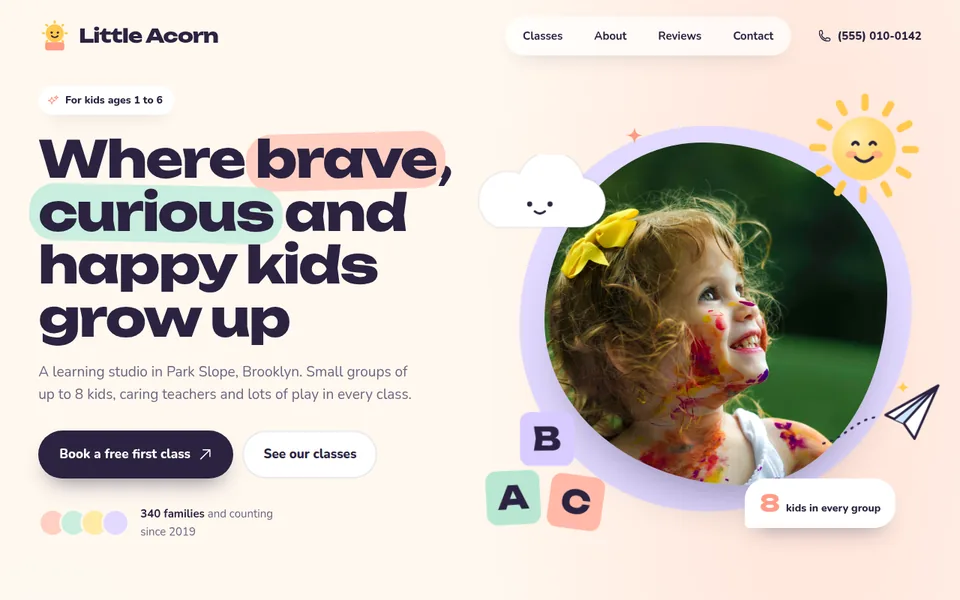

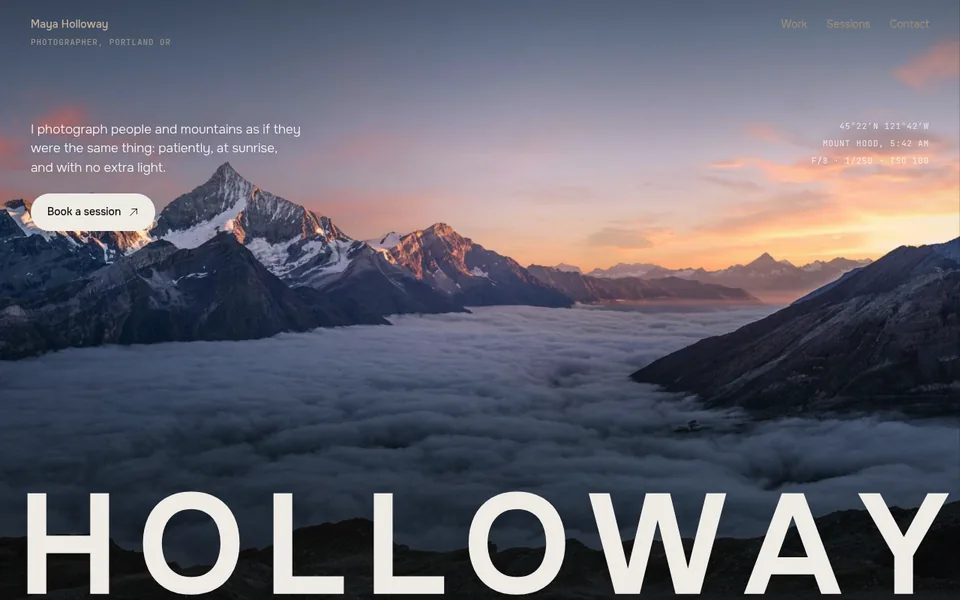

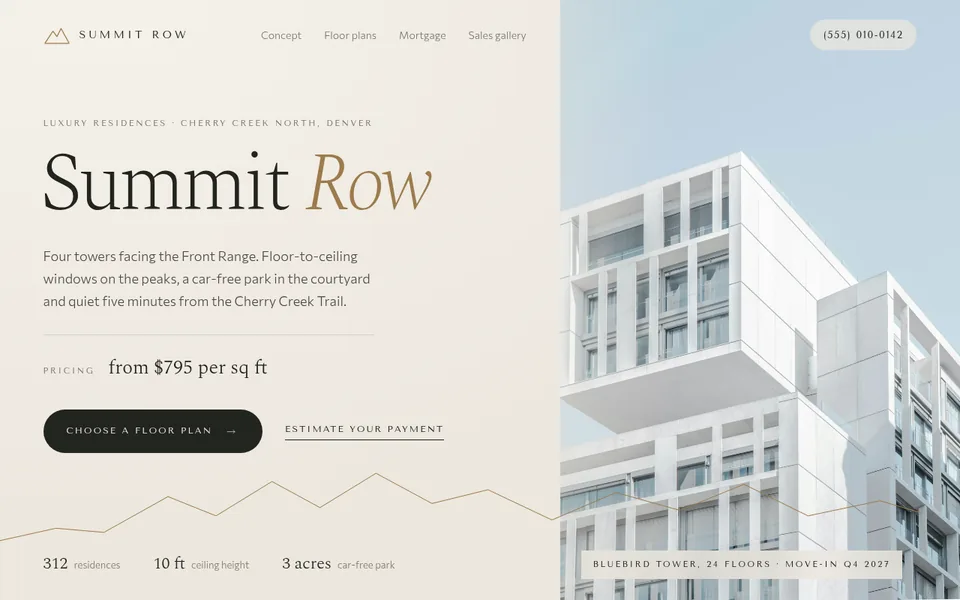
Four steps to a live site
- 01
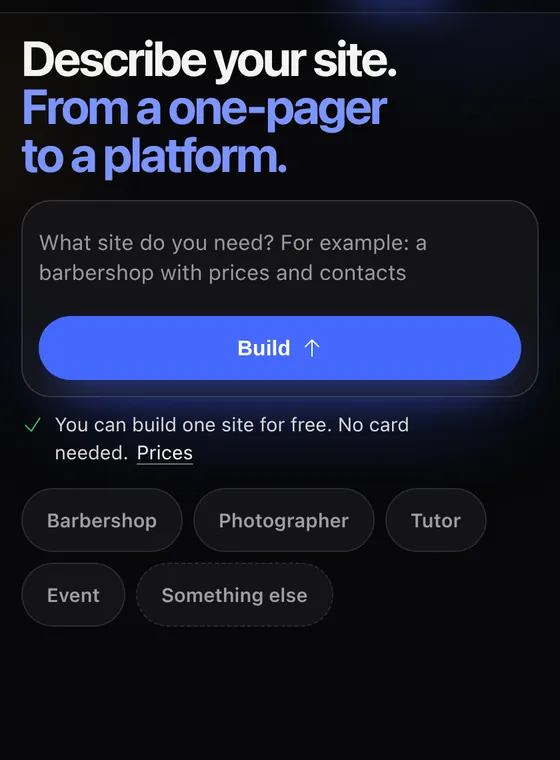
Describe your business
A few sentences: what you offer and how to reach you.
- 02
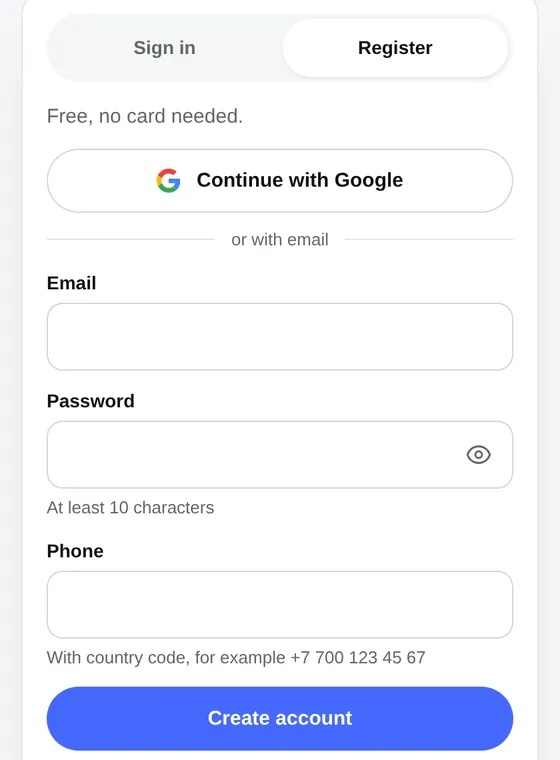
Create an account
Free, no card needed.
- 03
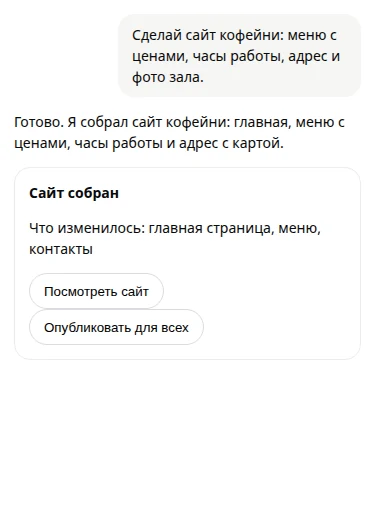
Answer the assistant
It asks for details and builds the pages itself.
- 04
Write "Publish the site"
You get an address like your-name.orika.me.
Start free
The plans differ in how many sites you can make (1, 3 or 5) and in whether people can find your site in Google.
Free
$0
The free plan: one site, to try it out.
- 1 site at an address like your-name.orika.me
- Ask the assistant for as many changes as you like
- Your own domain: buy it from us or connect one you already own
Start
Best for most$10/ mo
For one business: the site has no time limit and shows up in search.
100 dollars charged once for the year: 20 dollars less than paying every month
- 3 sites, each with no time limit
- Ask the assistant for as many changes as you like
- People can find your site in Google
- Up to 200 MB per site
- Download the site source files
- Your own domain: buy it from us or connect one you already own
Club
$30/ mo
For people with several projects or branches.
299 dollars charged once for the year: 61 dollars less than paying every month
- 5 sites, each with no time limit
- Ask the assistant for as many changes as you like
- People can find your sites in Google
- Up to 1 GB per site: more photos and pages
- Download the site source files
- Your own domain: buy it from us or connect one you already own
Common questions
Do I need to know how to code?
No. Orikami is made for people who have never done it. You describe what you need in words and the assistant makes the site. To see it, write "Publish the site" and the assistant sends you the address.
What happens to a free site after 7 days?
It stops opening. We email you two days before. To keep the site working, subscribe to Start (10 dollars a month) or Club before the time runs out. If you do not, we keep a copy of the site for another 30 days, then it is deleted for good. If the site has already stopped opening and you need it, write to us at [email protected] while the copy is still kept.
How do I see and publish the site?
Write "Publish the site" to the assistant in the chat. To publish means to put the site on the internet: the assistant sends you an address like your-name.orika.me. You choose the first part of the address, the second part is the same for all Orikami sites. You can buy your own domain from us or connect one you already own. There is no publish button, and you cannot see the site before you ask. After changes ask "Update the site" and the address stays the same.
How much does it cost?
The Free plan costs nothing and needs no card. Start costs 10 dollars a month, Club 30. An ordinary bank card is charged in US dollars and your bank converts the amount at its own rate. The subscription renews automatically, and you can cancel it on the subscription page in Orikami with the "Cancel subscription" button.
What kind of sites can I make?
Right now you get a showcase site: who you are, what you offer, prices, photos, contacts and a request form (requests show up in your Orikami account). A cart with online payment, booking for an exact time and customer accounts do not work yet: they will come to Start and Club later.
Do I need to install anything? Does it work on a phone?
Nothing to install: Orikami opens in the browser at orika.me/app, you only need to create an account. It works on a phone too, but a computer or laptop is more comfortable.
More questions
Which languages can I use?
The Orikami screens are in Russian and English, and you can write to the assistant in your own language. The sign-in page is also in Spanish and Portuguese.
What happens to my site if I stop paying?
The plan becomes the free one (Free), and the site keeps opening for another 7 days: we email you two days before the end. Then the site stops opening, and we keep a copy of it for 30 days and then delete it for good. To keep the site on the internet, subscribe to Start or Club again before the time runs out.
Can I get my money back?
Yes, in full, if you have not published a single site within 14 days of the first payment. Write to [email protected] from the email of your account.
Is there yearly billing?
Yes: Start is 100 dollars a year, Club 299. The whole amount is charged once for the year, and that is 20 and 61 dollars less than paying every month.
Can I have my own site address, like my-salon.com?
Yes, on any plan. A site gets an address like your-name.orika.me, and you can buy your own address, for example my-salon.com (it is called a domain), from us or connect one you already own. A .com domain costs from 19.99 US dollars for the first year and 27.99 a year to renew; it is bought for one year and does not renew by itself, we email you before the term ends. A domain bought elsewhere is connected with one record in its settings and starts opening the site after that record is verified. All of this is under "My domains" in Orikami, and the assistant in the chat can also find and connect a domain. Up to 5 domains can be connected to one site.
Where does my data go?
Your site is written by an artificial intelligence program made by the company DeepSeek. It receives what you write to the assistant and the contents of your site, so do not put passwords or card numbers in the chat. Only you see your drafts. Once published, the site is open to anyone who has the link. Details are in the privacy policy.
How many changes can I ask for?
As many as you like, on any plan. The plans limit only the number of sites, their size and whether the site can be found in search.
Can I make a Telegram bot?
Not yet, it is coming soon. Right now Orikami makes and publishes websites.
What if I cannot make it work?
Write to [email protected]. Describe what you wanted to do and what went wrong.
What is vibe coding?
It is a name for making websites and programs with words: you describe what you need, AI writes the code, and you look at the result and say what to fix. You do not need to know this word.
Start with one sentence
Free, no card needed.