A website for your bio link
Instead of a list of buttons, a page with services, prices, reviews and a request form. Describe what you do and the assistant builds it.
You can build one site for free. No card needed. Prices
Samples of pages for a profile
A familiar format, only the assistant puts it together: pick a sample and say what you do. The samples are made for a phone screen: a narrow column and large buttons.
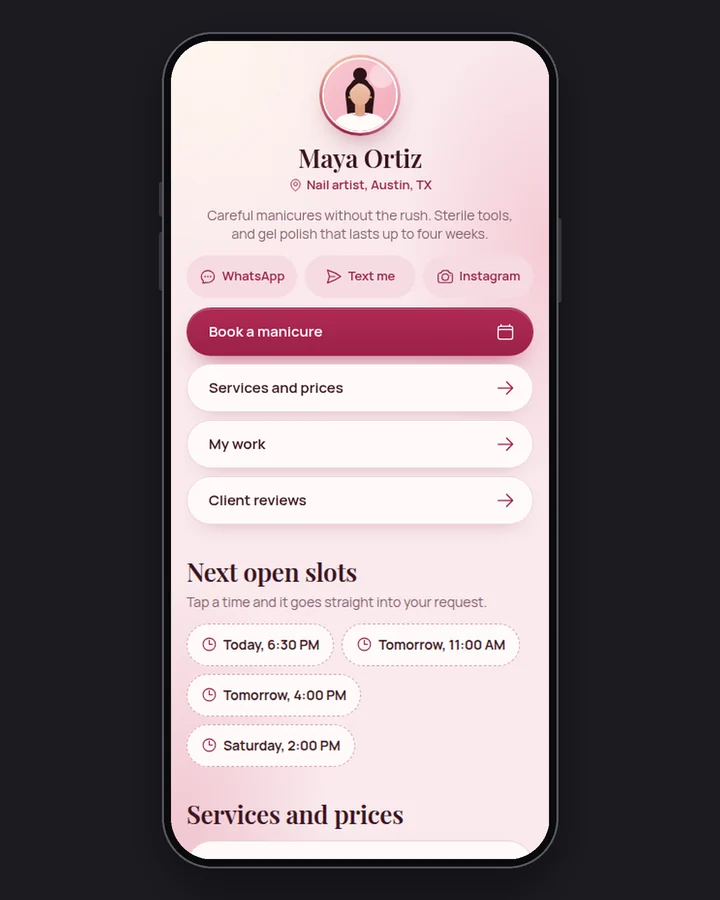
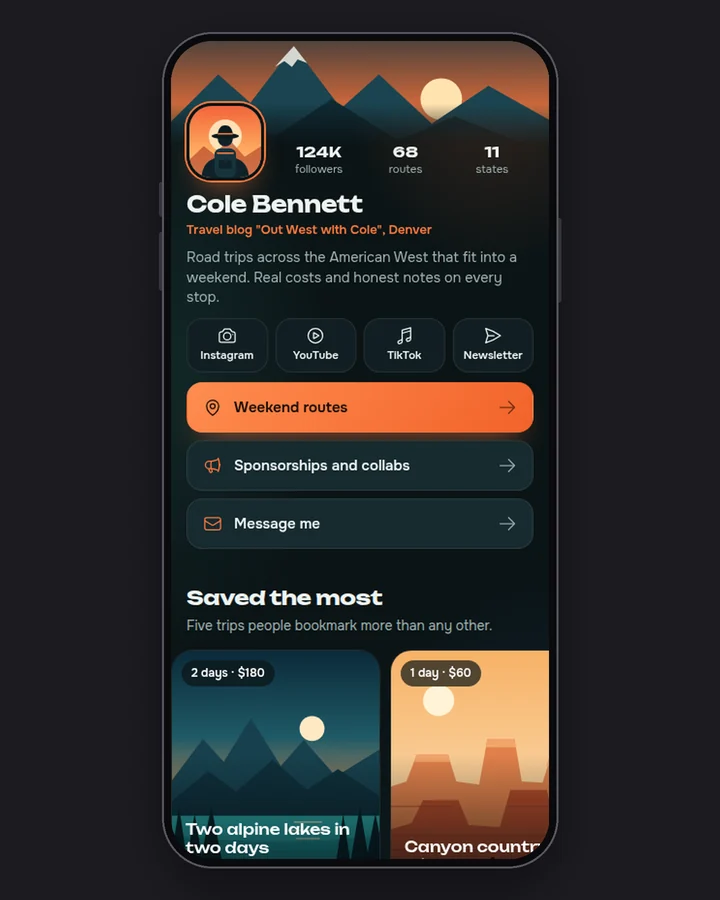
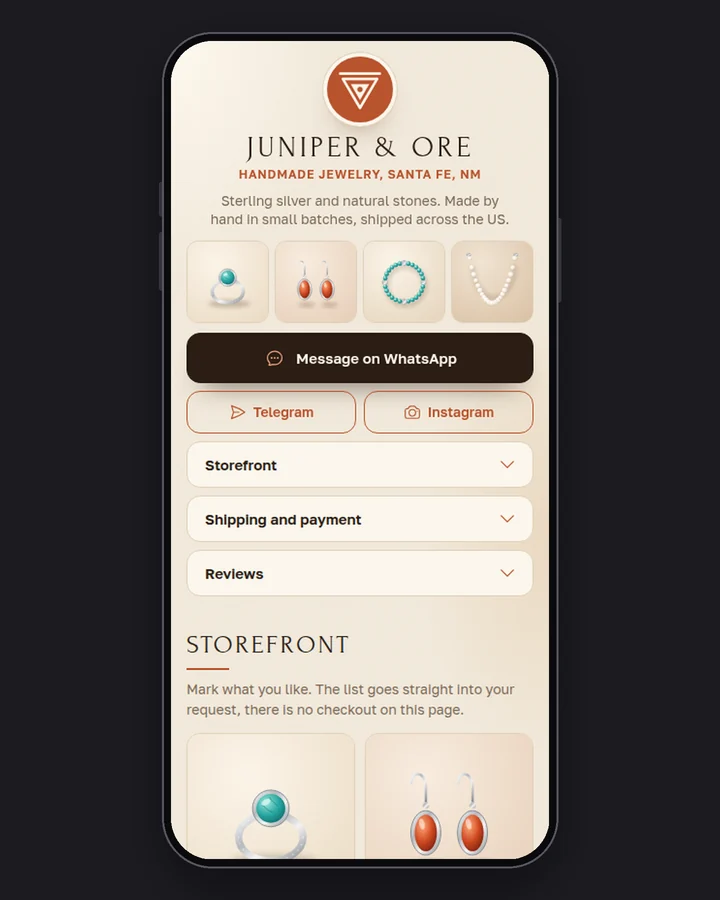
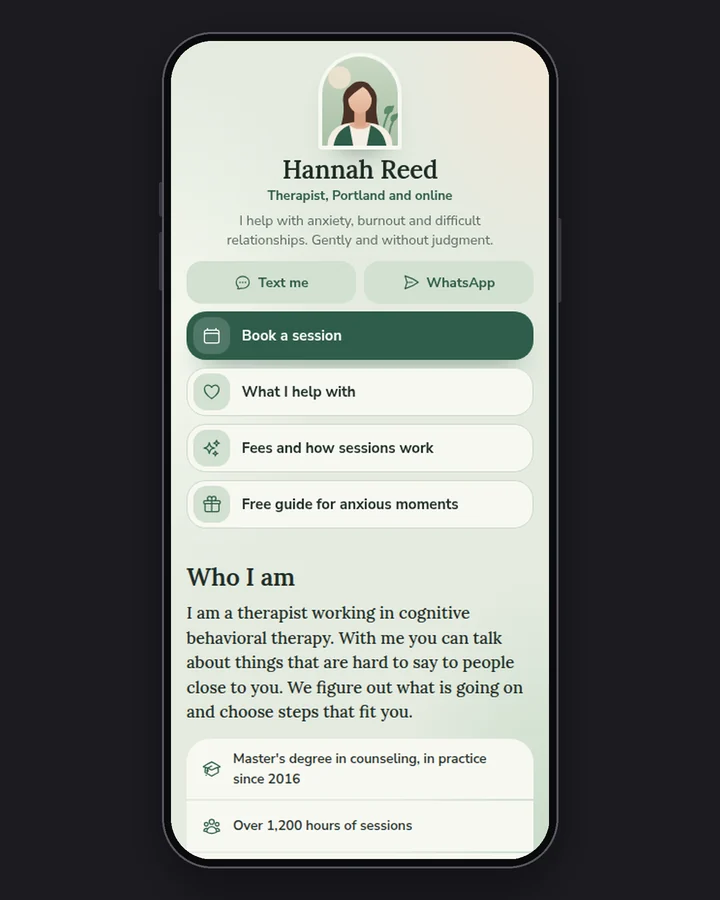
These are style samples, not customer sites: we built them ourselves to show the result. Each one opens as a regular website.
- 25 sample sites open by link: you can look at them before signing up
- A free site stays online 7 days, no card needed
- The first payment is refunded in full if you publish no site within 14 days
Developed by Dias Zhumagaliyev. Questions and help: [email protected].
Three steps to a site
- Describe it in words
Write in the field what you do: services, prices, how to reach you. Add that people will open the page on a phone from your profile.
- Get a link
Create an account and write "Publish the site" to the assistant. It sends an address like your-name.orika.me: paste it into the link field of your profile.
- Edit in the same chat
Write what to change: texts, prices, colours, the order of sections. Then ask "Update the site"; the address stays the same.
Orikami and Taplink: what is different
Both services give you a page to put in a profile. The table has only what both services state on their own sites: what is included and on which plan.
| Orikami | Taplink | |
|---|---|---|
| What you get | A website built from your description: texts, photos, prices, contacts and a request form | A mobile-friendly website to share in your bioSource: taplink.at/en, 10 Nov 2026 |
| Free plan | Free: 1 site, online for 7 days, no card needed | Basic: free with no time limit. The plan list has unlimited links, text blocks, messaging apps and social media linksSource: taplink.at/en, 10 Nov 2026 |
| Photos and a price list | On every plan, Free included | "Images, videos, music" and "Price lists" are in the PRO plan listSource: taplink.at/en, 10 Nov 2026 |
| Request form | On every plan, requests show up in your dashboard | "Capture leads with Application forms" is in the BUSINESS plan listSource: taplink.at/en, 10 Nov 2026 |
| Payments on the page | Not yet: the customer leaves a request or messages you | "Accept payments" is in the BUSINESS plan listSource: taplink.at/en, 10 Nov 2026 |
| Your own domain | On any plan: buy a domain from us or connect one you already own; the address like your-name.orika.me works too | "Custom domain" is in the BUSINESS plan listSource: taplink.at/en, 10 Nov 2026 |
Names and trademarks belong to their owners. Data as of 10 November 2026.
What it costs
A free site stays online 7 days. To keep it online you need a paid plan. We keep a copy for 30 more days. Prices are in US dollars.
- Free$0
The free plan: one site, to try it out.
1 site at an address like your-name.orika.me.
- Start$10 / mo or $100 / year
For one business: the site has no time limit and shows up in search.
3 sites, each with no time limit.
- Club$30 / mo or $299 / year
For people with several projects or branches.
5 sites, each with no time limit.
If you publish no site within 14 days of the first payment, it is refunded in full. All plan details
More details
What happens after 7 days and what it costs
One site is free and needs no card. It stays online for 7 days, then stops opening. An email arrives two days before the deadline, and we keep a copy of the site for another 30 days.
To keep the site online and let people find it on Google, you need a paid plan. You can ask the assistant for as many changes as you like on every plan. Prices are in US dollars.
A site gets an address like your-name.orika.me. You can buy your own domain, for example my-salon.com, from us or connect one you already own. This works on any plan.
| Free | Start | Club | |
|---|---|---|---|
| Price (US dollars) | $0 | $10 a month or $100 a year | $30 a month or $299 a year |
| Number of sites | 1 | 3 | 5 |
| How long the site stays online | 7 days | While the plan is paid | While the plan is paid |
| Can be found on Google | No | Yes | Yes |
| Can download the site source files | No | Yes | Yes |
What Orikami does not do yet
We say it up front so you do not lose time: there is no online booking and payment on the site (the customer leaves a request or messages you), a preview before publishing (you see the result at the address after publishing). Today you get a showcase site: texts, photos, prices, contacts and a request form.
Updated: .
Questions
How is such a page different from a list of links?
It is a regular website: besides links it has services with prices, photos, reviews and a request form. Requests from the form show up in your Orikami dashboard.
Can I put this address into my Instagram profile?
Yes. After publishing, the assistant sends an address like your-name.orika.me. You can paste it into the link field of your profile like any other site address.
Will the page be comfortable on a phone?
Tell the assistant that people will open the page on a phone from your profile: it makes a narrow column and large buttons. If something looks wrong, ask for a fix in the same chat.
Can I take payments on the page?
Not yet. The customer leaves a request in the form or messages you with a button, and you agree on payment yourselves.
What happens to a free site after 7 days?
The site stops opening. An email arrives two days before the deadline. We keep a copy of the site for 30 days, then it is deleted for good. To keep the site online you need a paid plan.
How much does a paid plan cost?
Start is $10 a month or $100 a year (up to 3 sites), Club is $30 a month or $299 a year (up to 5 sites). Prices are in US dollars. If you publish no site within 14 days of the first payment, you get a full refund.
Describe the site in one sentence
Open Orikami in the browser: one site is free, no card needed.
Free, no card needed.